
- Log in to cPanel.
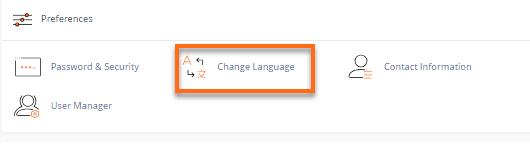
- Look for the Preferences section, then click Change Language.
- Select your preferred language from the dropdown box, then click Change.
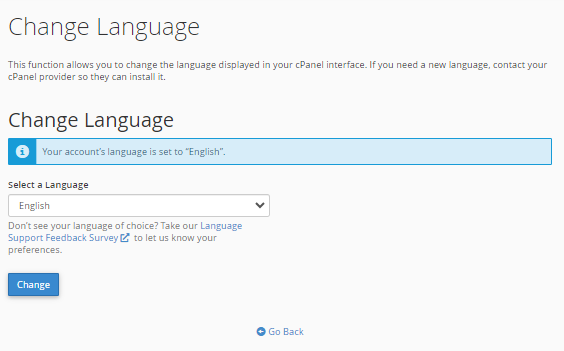
- A prompt will appear, notifying you of the successful language update.

Related Articles
-
How to Upgrade Hosting Plan in WHMCS
- 0
- 15
-
How to Change Billing Cycle in WHMCS
- 0
- 18
-
How to Generate Invoice for Advance Hosting Renewal
- 0
- 16
-
WordPress News PhotoCard Plugin – Everything You Need to Know
- 0
- 152
-
What to Do If Python, Node.js, or Select PHP Version Is Not Working in cPanel
- 0
- 61
-
How to handle manual payments using slack
- 0
- 104