
I forgot my admin password and cannot manage my osCommerce site anymore.
Here is the easiest way to reset the password for most people.
- Log in to cPanel.
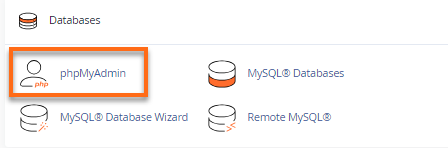
- From the Databases section, click the phpMyAdmin icon.
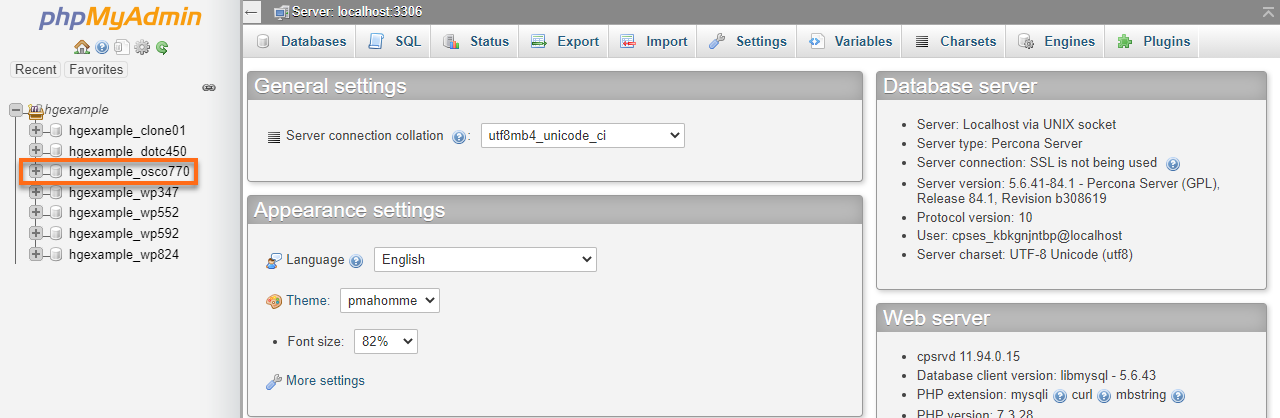
- In the left-hand pane, click the database for your osCommerce (typically _osc1).
- Click the table named
 administrators.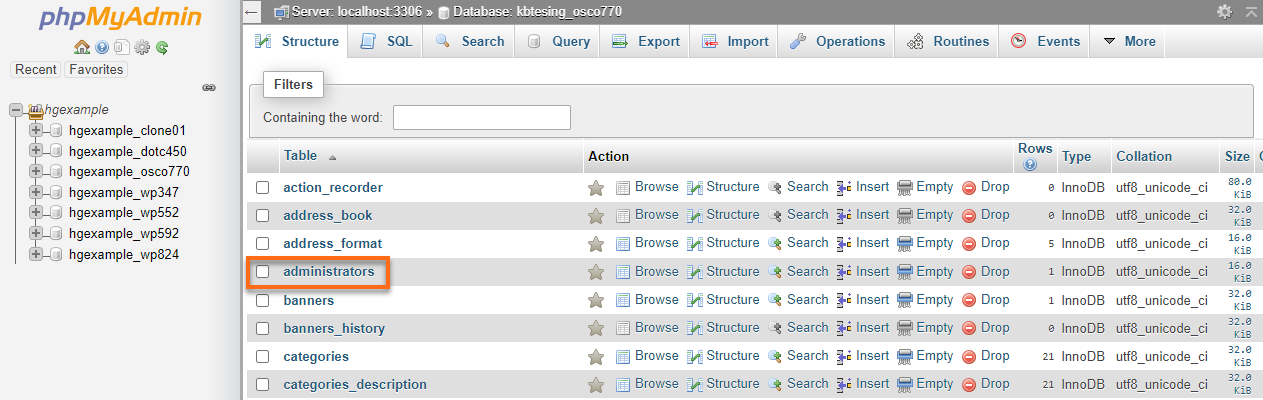
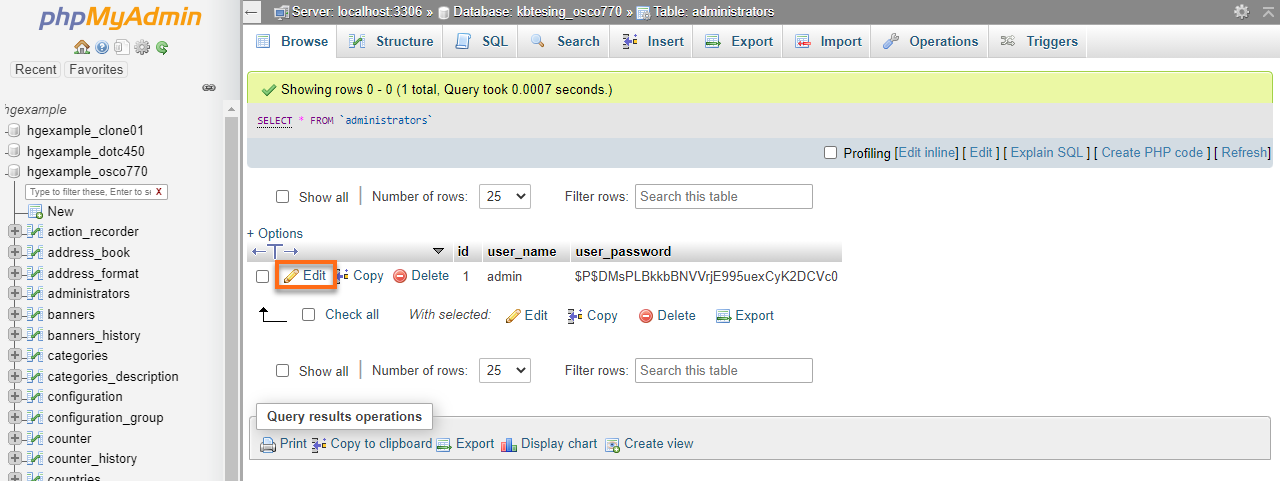
- You can see a list of admin users, select the one you want to edit, and click the Edit icon.
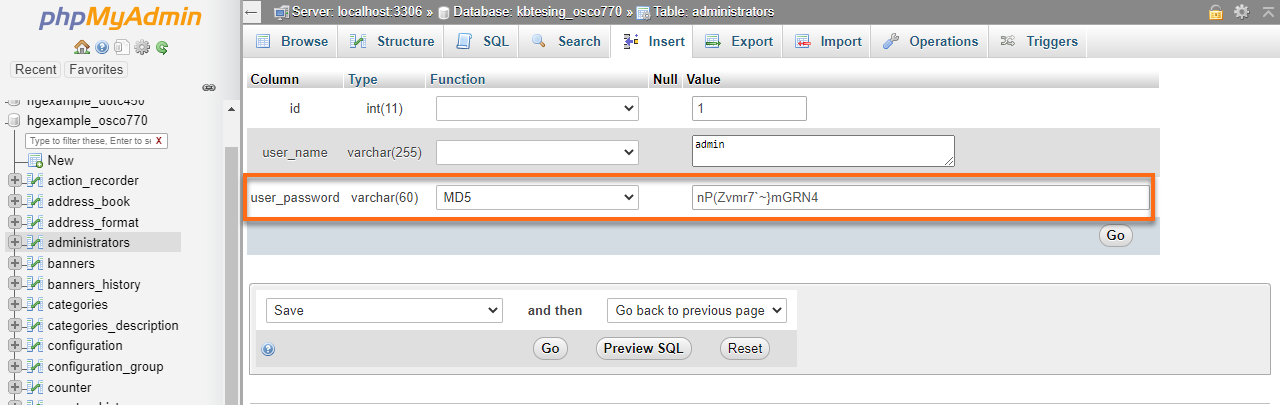
- Type new password in the user_password Value field; in the user_password Functions field, select MD5.
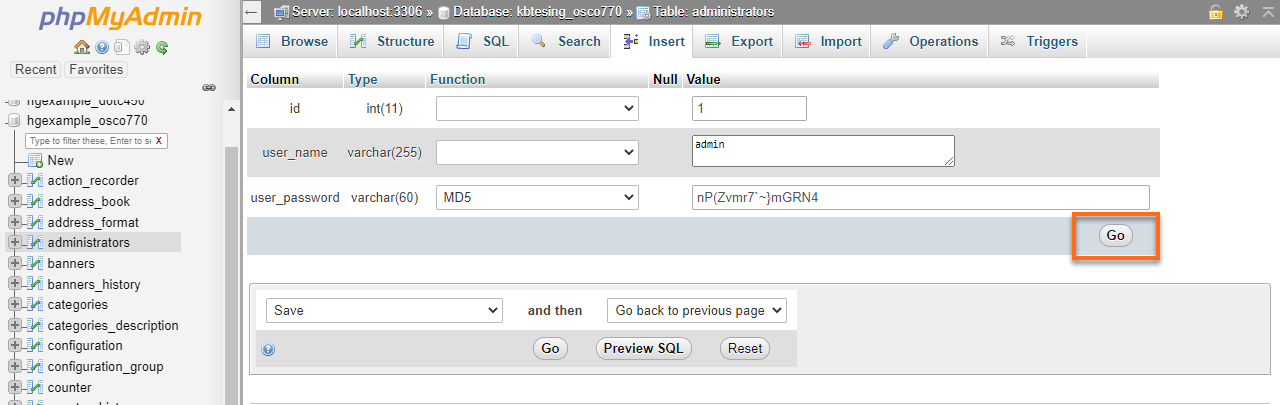
- Click the Go button to save the changes.
- Congratulations! Open your osCommerce admin panel and use a new password for the login.