- Login to cPanel.
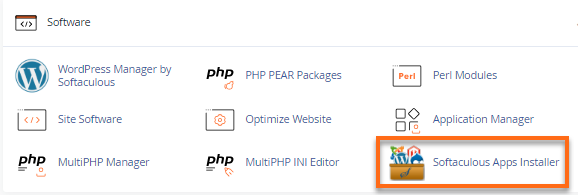
- Under the Software section, click on Softaculous Apps Installer.
- Choose and install the script you want (WordPress, for example). Wait until the installation is completed.
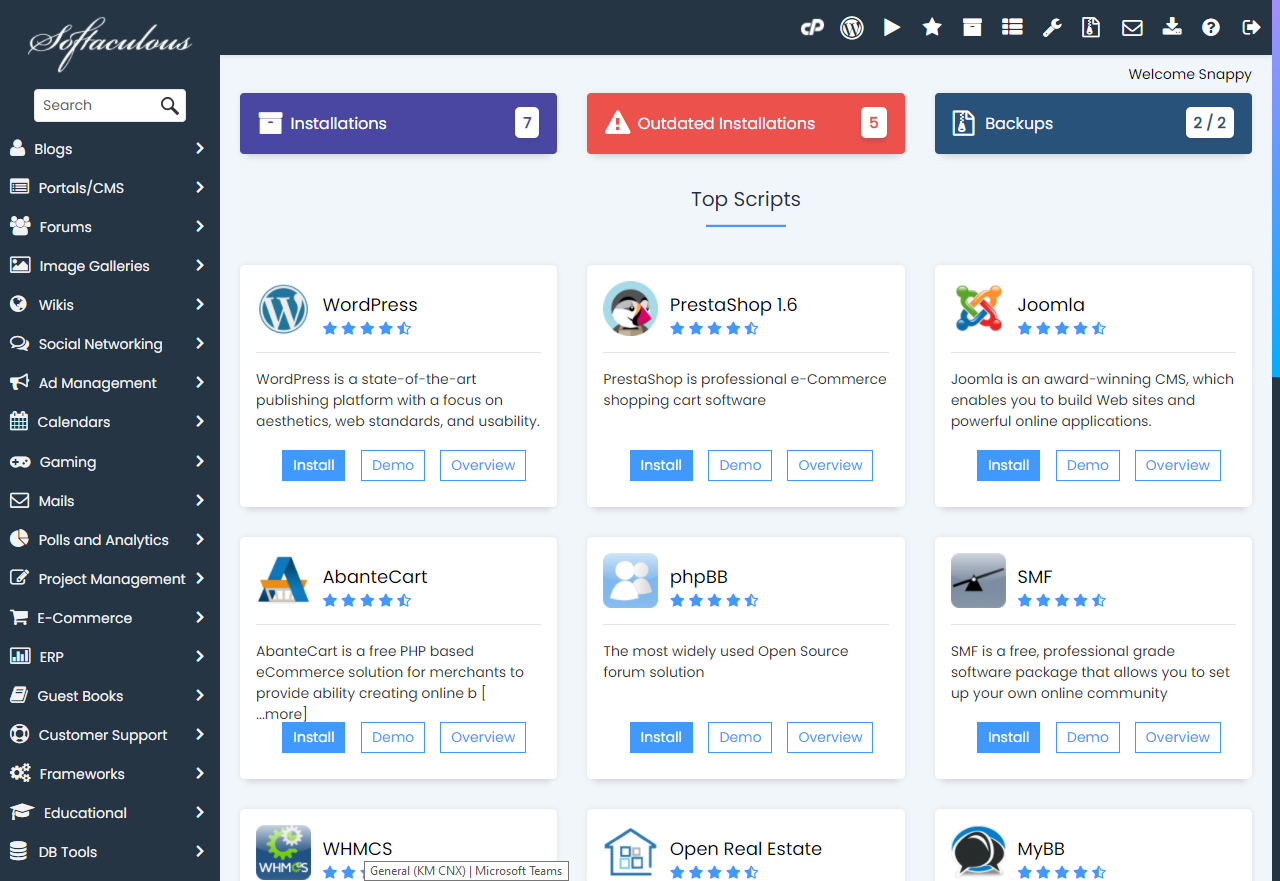
Here are the full steps in installing the script: How to Quickly Install a Script with Softaculous.
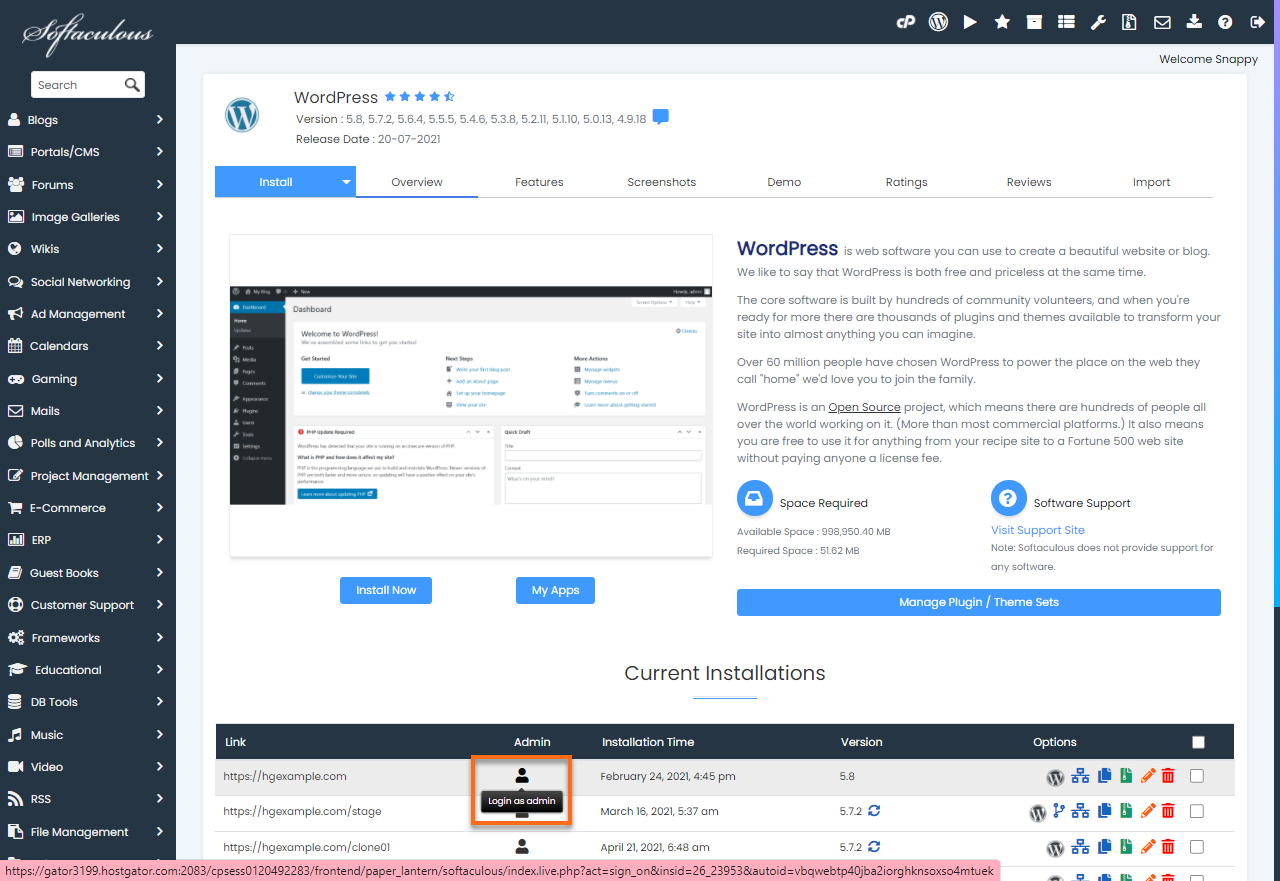
- Click the Profile icon to auto-login or see the installation’s admin page. Do this to log in directly without re-entering your credentials. Make sure that the below setting is unchecked.

Knowledge Base
Click to Copy