
Clone Installation Using Softaculous
- Log in to cPanel.
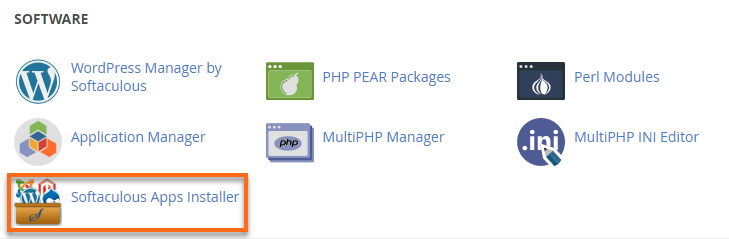
- Look for the Software section, then click on Softaculous Apps Installer.
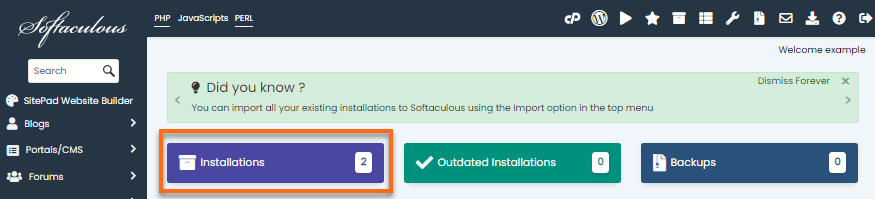
- Click the Installations box to view all installations.
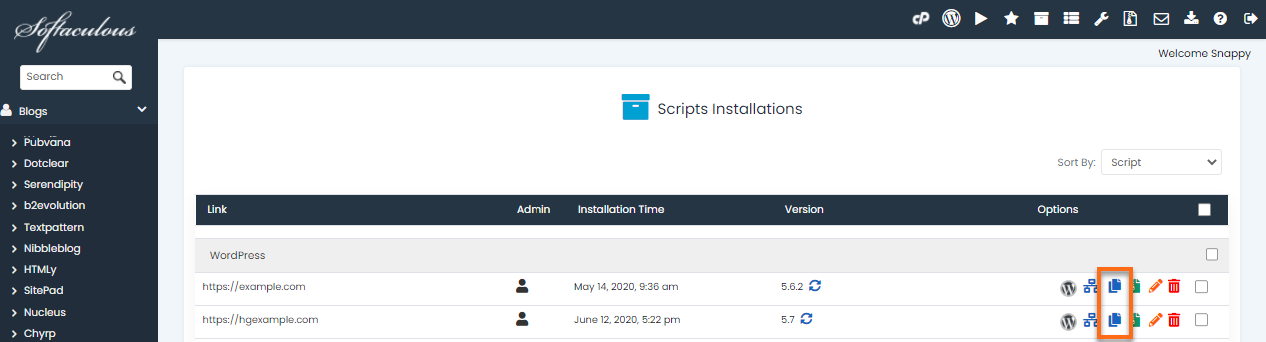
- Locate the installation you wish to clone.
- Click the Clone icon beside your website name.
- On the next page, you will find the clone installation details. Fill out the necessary fields.
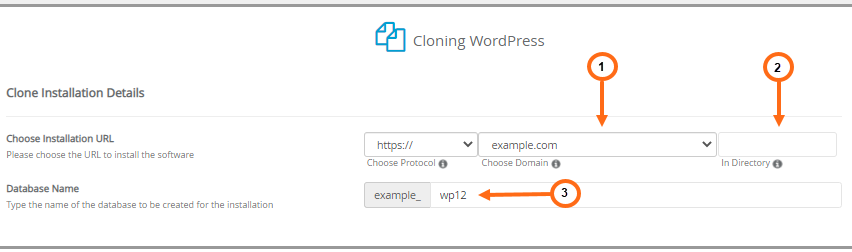 Choose Installation URL – Your installation URL will be the URL or web address where people can access the cloned WordPress site.
(1) Choose Domain – Select the website name you wish to clone.
(2) In Directory – Provide the directory name or location where the website files will be saved.
(3) Database Name – This field is auto-filled. You may also go ahead and enter your preferred database name.
- Click Clone Installation at the bottom of the page. Make sure to consider the time of cloning, as the speed depends on the size of the installation.
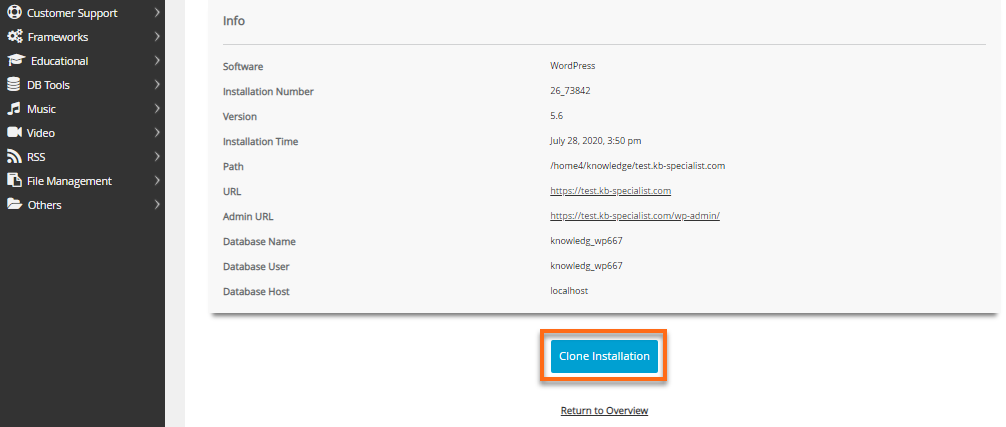
Once the cloning is done, Softaculous will provide you the website and admin URLs you can use to access this cloned installation.