
This article will show you how to change the username of an installed script. We will use WordPress installation as an example.
To change the Sign-on username within Softaculous:
- Log in to cPanel.
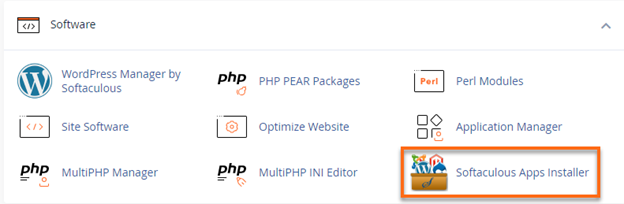
- Look for the Software section, then click on Softaculous Apps Installer.
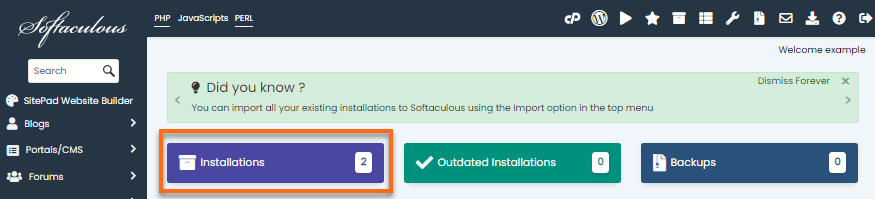
- Click on the Installations box.
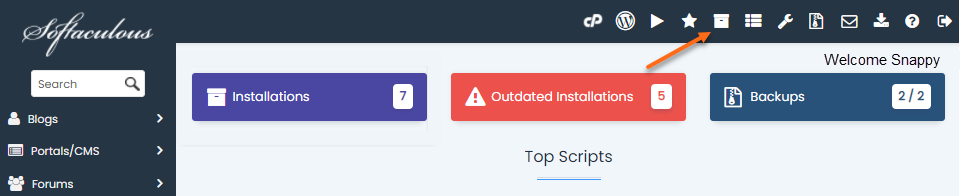
Alternatively, you can also click the All Installation icon located in the top right corner.
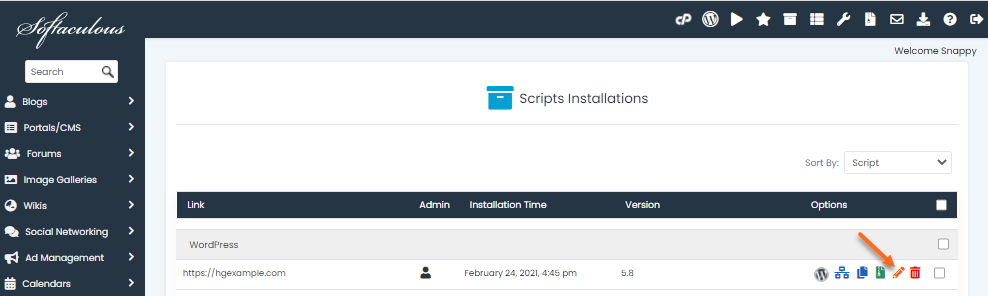
- Locate the website name under the script you wish to edit.
- Click on the pencil icon to edit the installation details.
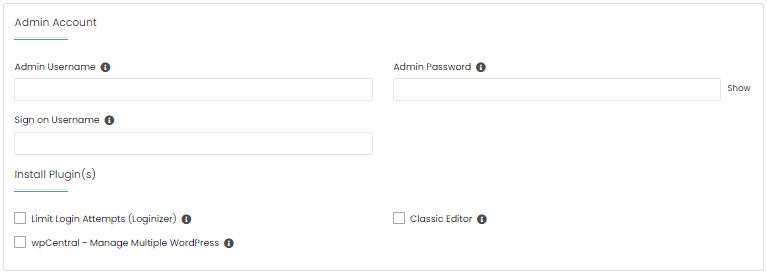
- On the Edit Installation page, scroll down to the Admin Account section.
- Look for the Sign on Username field and enter your preferred sign-on username.
- Click on the Save Installation Details button.