Method 1:
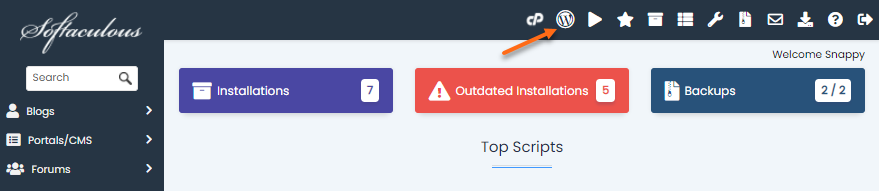
Click the WordPress Manager icon located at the top-right corner of the Softaculous panel.
Method 2:
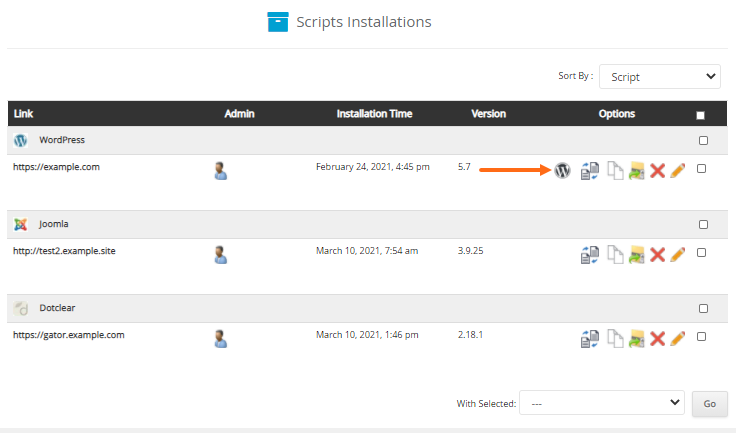
Click the WordPress Manager icon inside the Script Installations page.
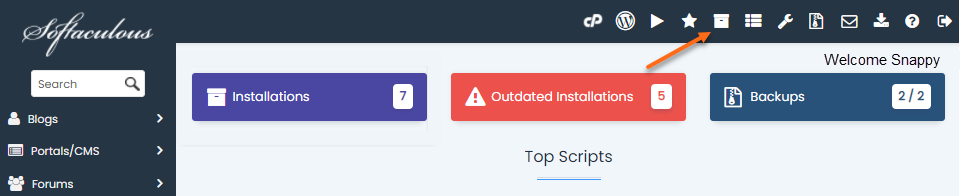
- Click the All Installations icon located at the top-right menu.
- Locate the WordPress website you wish to access.
- Click the WordPress Manager icon to log in.