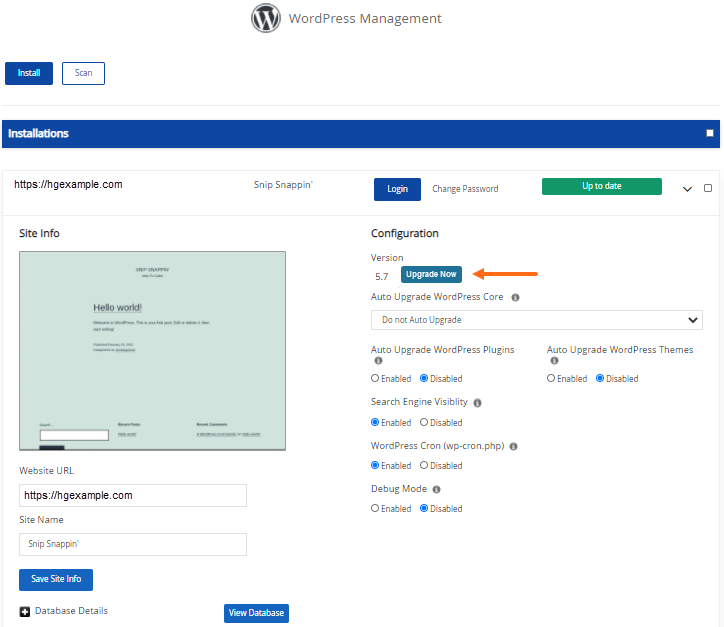
You can update your WordPress version via Softaculous. If you’re using the current WordPress version, the WordPress Manager will display the Up to date button.
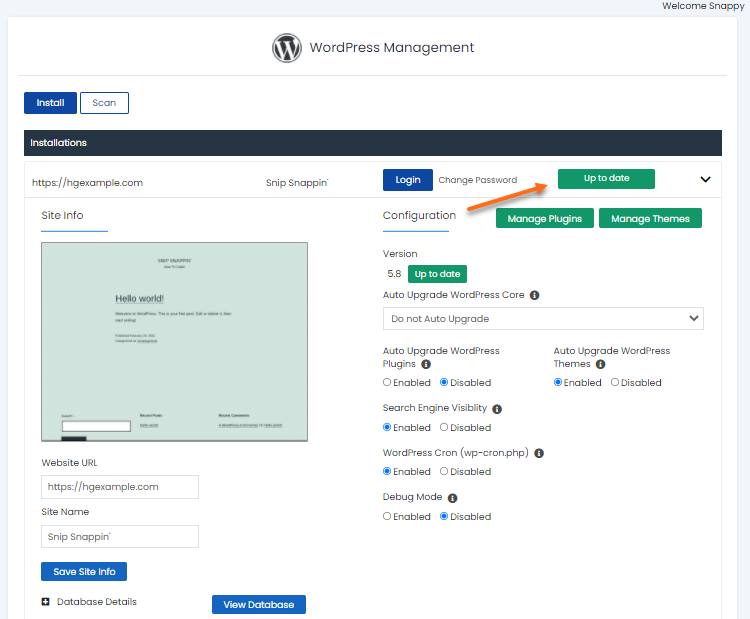
If a new WordPress version is available, you can upgrade by clicking the Upgrade Now button.