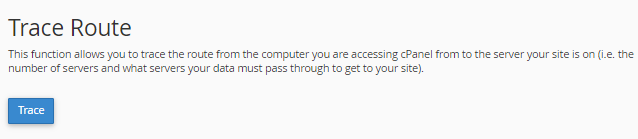
To perform a Domain Lookup or a Trace Route:
- Log in to cPanel.
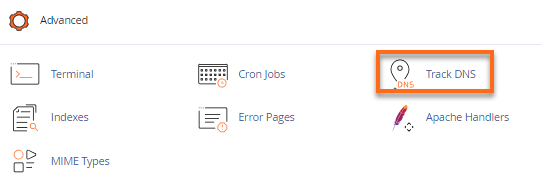
- Look for the Advanced section, then click the Track DNS icon.
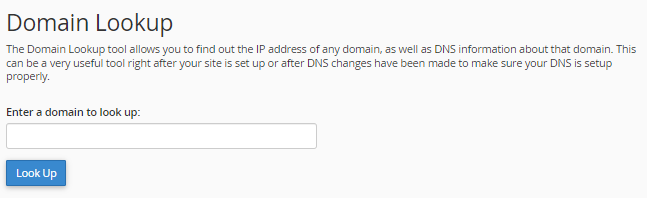
- To look up the DNS records of a domain, enter the domain (e.g., hostgator.com) into Domain Lookup’s text box, and click Look Up. This will display the domain’s mail servers and IP address.
- To perform a Trace Route to your specific server from your location, click the Trace button under Trace Route.