To manually restart a service from WHM:
- Log into WHM as root.
- Scroll the left navigation bar down to the Restart Services section:
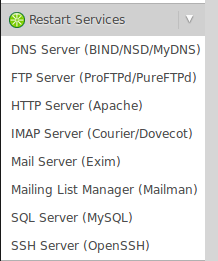
- Click on the name of the service you wish to restart.
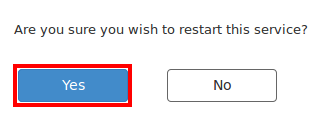
- WHM will ask if you are sure you wish to restart the service, please click Yes: