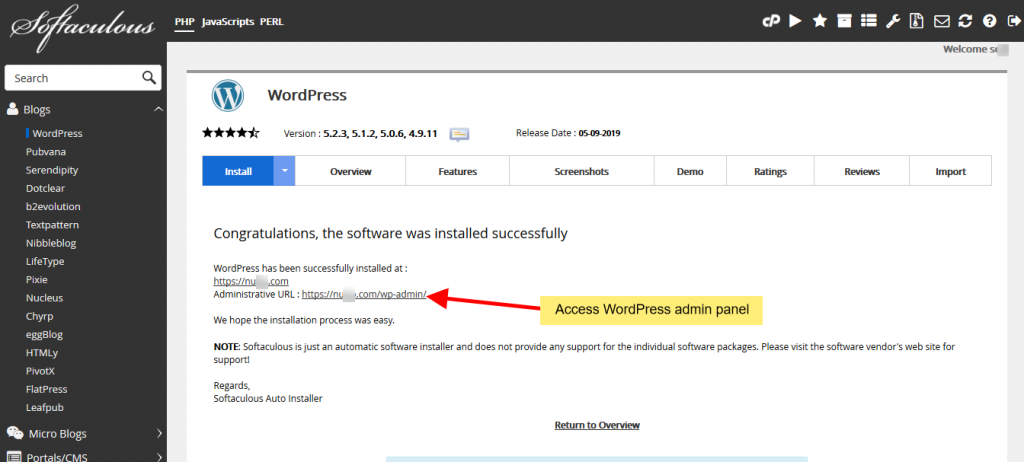
This article will guide you on how to install WordPress using softaculous one-click installer. We will install WordPress in few clicks!
- Login to cPanel
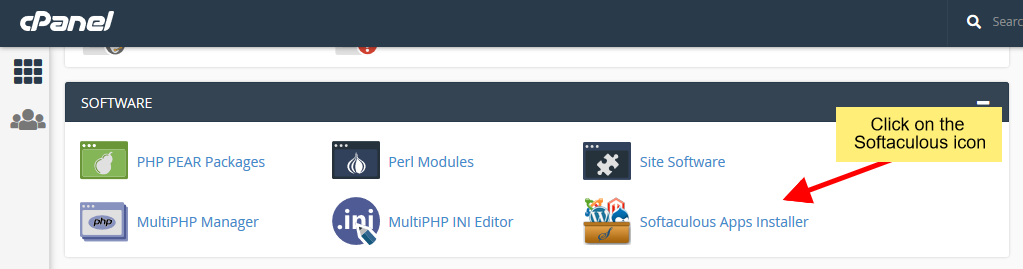
- Go to Softaculous Apps Installer from Software Section.
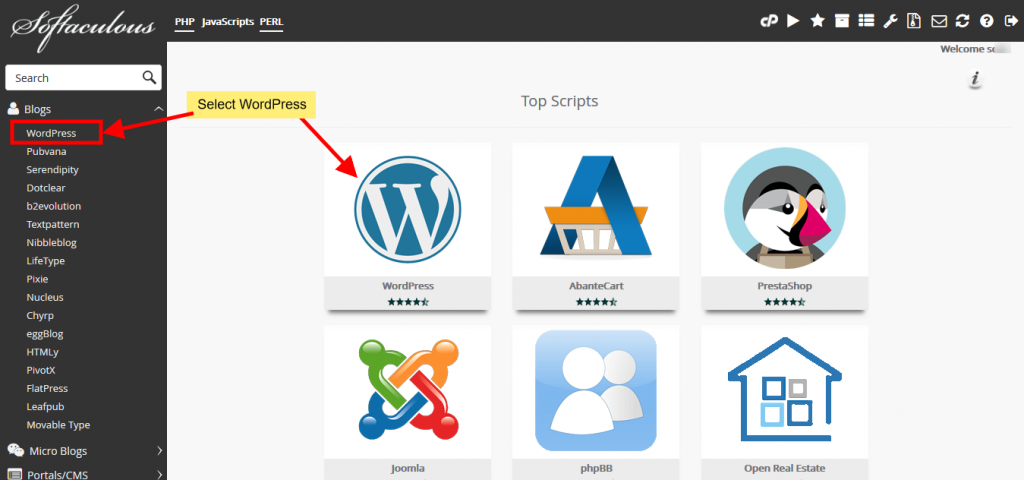
- Now click on the “WordPress” from top scripts.
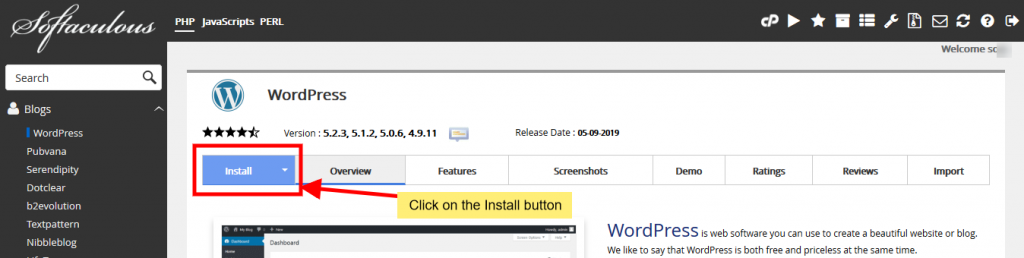
- Now you will see the “Install” button and click on the install button.
- Now fill the install form
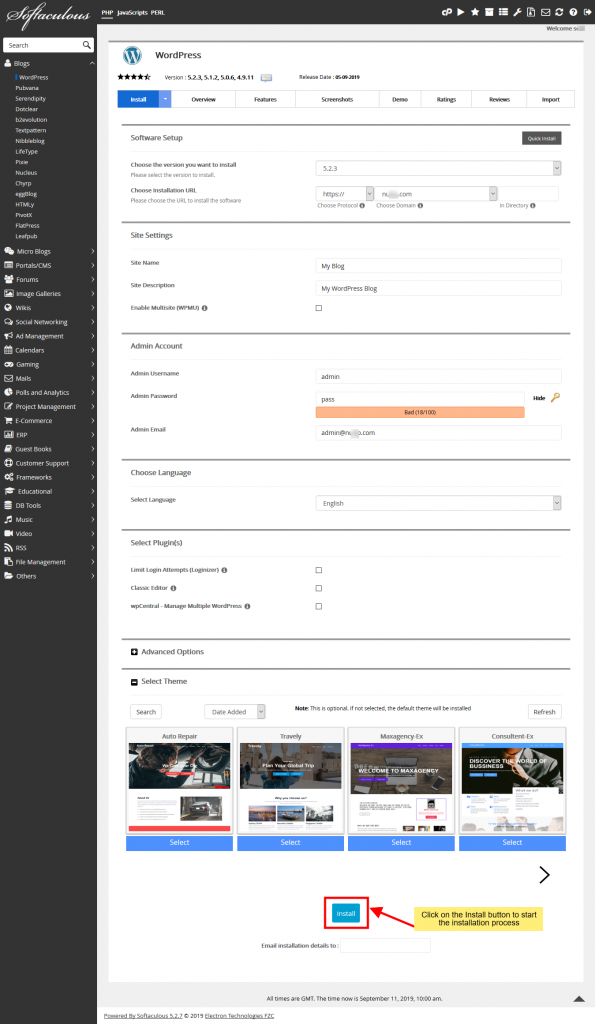
Note: If you want to install WordPress in domain root directory like as example.com then you need to keep blank the “In Directory” box

After filling the form click on the Install button to start the installation process.
Sit back and relax, let Softaculous handle the installation process for you.
Installation Completed
You will see the success message as shown in the screenshot below when the installation is completed.