
To download a copy of the backup via File Manager:
- Log in to cPanel.
- In the Files section, click File Manager.
- Inside File Manager, locate the softaculous_backups directory from the list of files and folder.
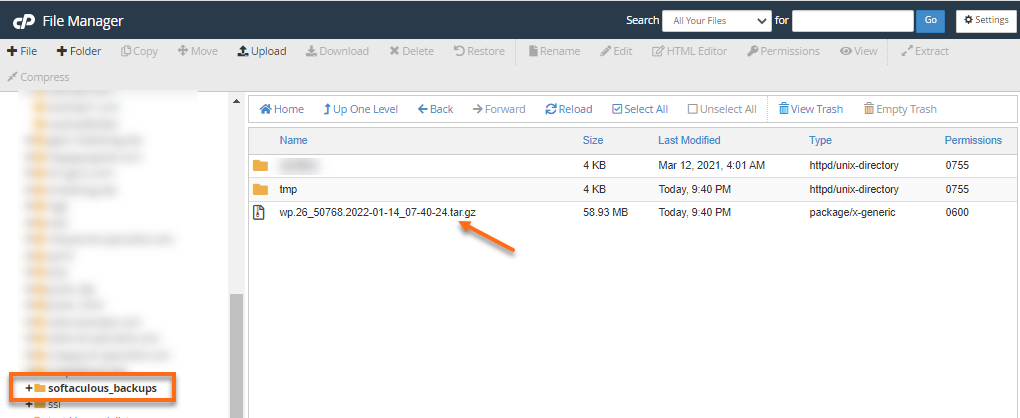
- You will find the backup in a .tar gz file. The filename usually includes the date when the backup was generated.
- Select the backup and click the Download icon located in the top menu.
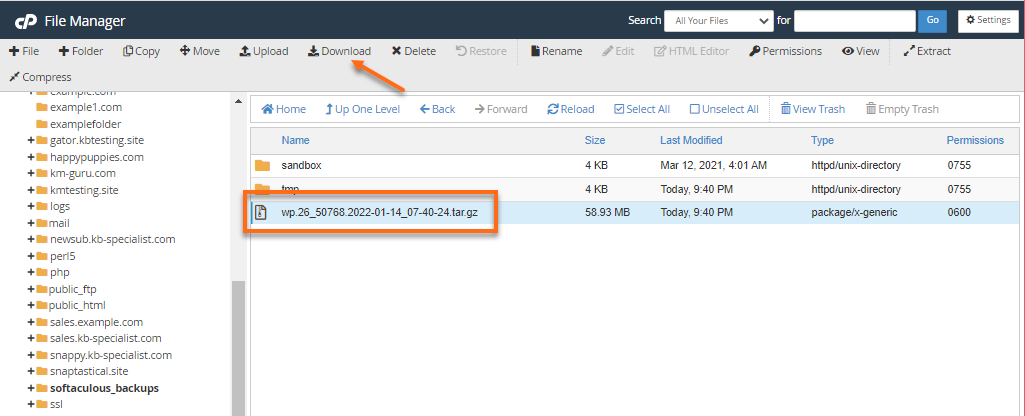
- The backup will be downloaded to your local computer.