
If you want to transfer your domain to another provider. You need to unlock the domain before processing the transfer. You can do by following steps.
- Sign in to your ExonHost account
- Click on the “My Domains” from the left sidebar menu
- Now click on the “Manage Domain”

- In the Domain Overview page, you will see unlock icon.
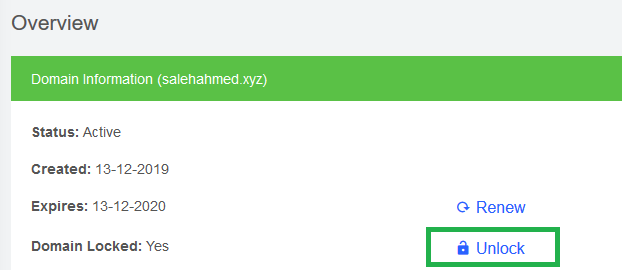
Click on the unlock button. You will get the unlock confirmation and the status will be updated.