
Here are the steps outlined in the video guide above.
- Log in to cPanel.
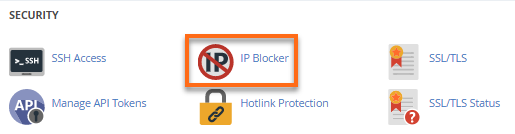
- Click on IP Blocker in the Security section.
- In the IP Blocker section, add the site visitor’s IP address that you wish to deny access to your site on the IP address field.
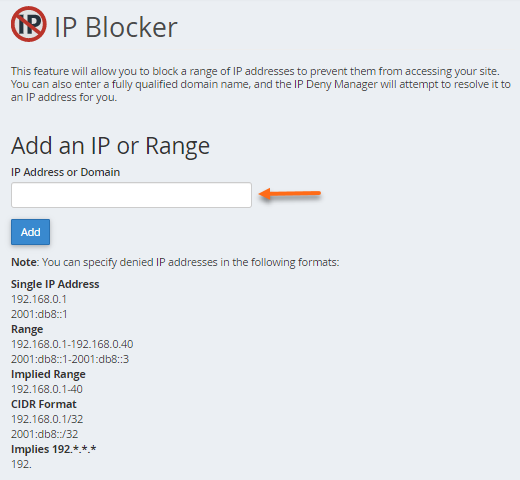
- Click the Add button. You will be redirected to a successful confirmation page.