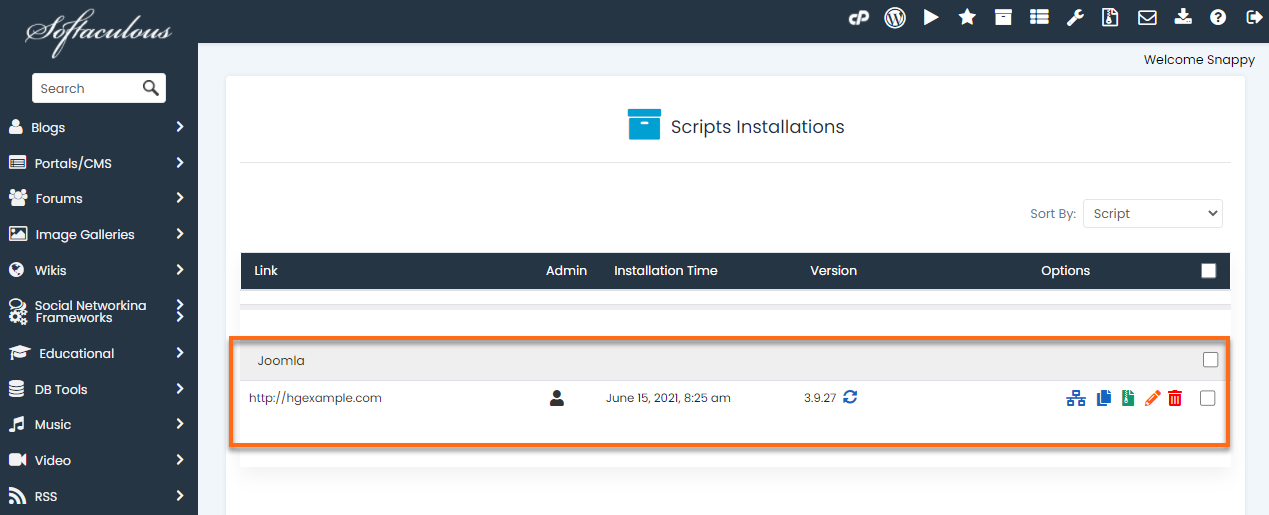
This article discusses how to bulk import script installations to Softaculous.
- Log in to cPanel.
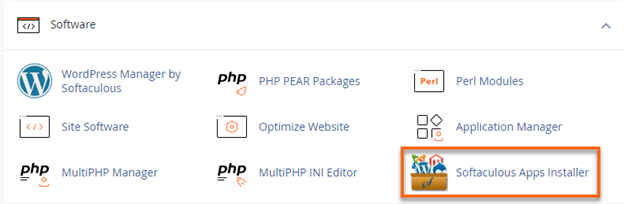
- Look for the Software section, then click on Softaculous Apps Installer.
- Click the Import Installations icon located on the top-right menu.

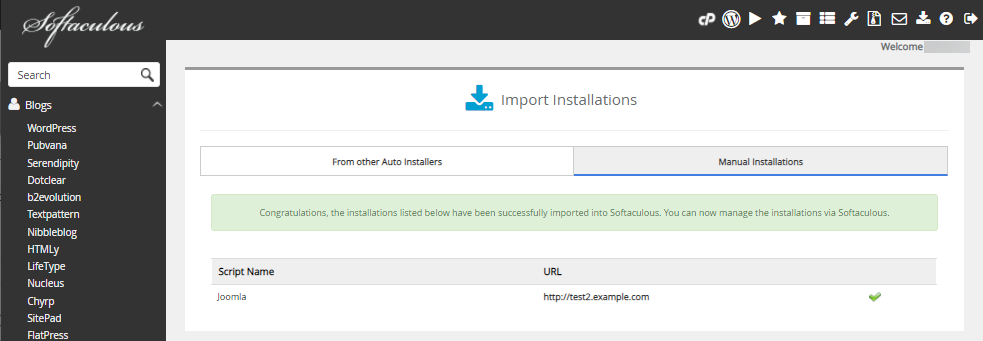
- On the Import Installations page, navigate to the Manual Installations tab.
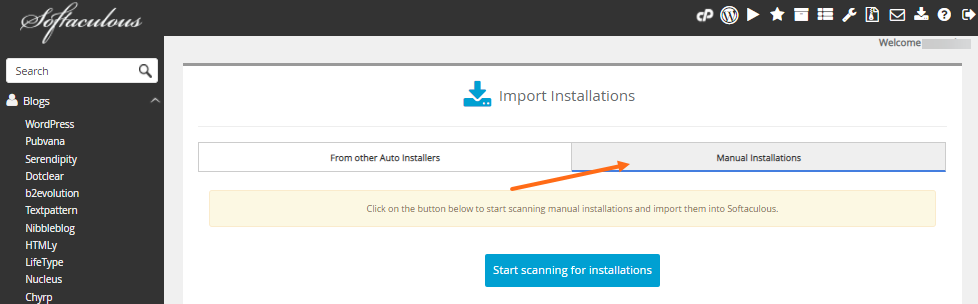
- Click Start scanning for installations.
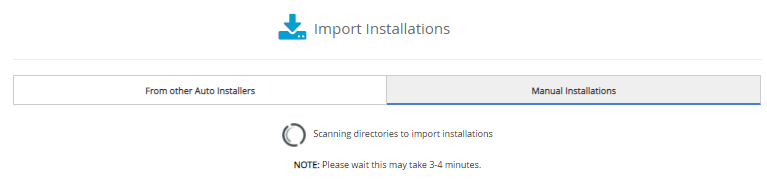
- You will see Softaculous scanning your directories.
- A confirmation prompt will appear together with your manual installs, notifying you of your successful import.
- You may now click the All Installations icon located on the top-right menu to view your script installations.
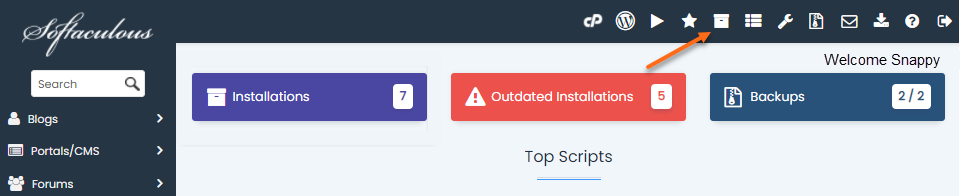
- The imported install is now among your list of script installations.