- Log in to cPanel.
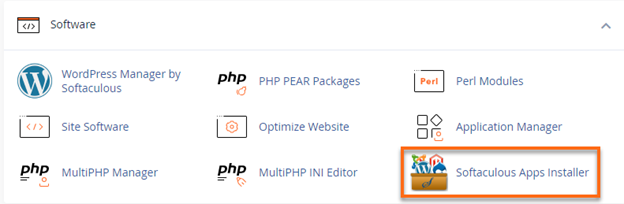
- Under the Software section, click on Softaculous Apps Installer.
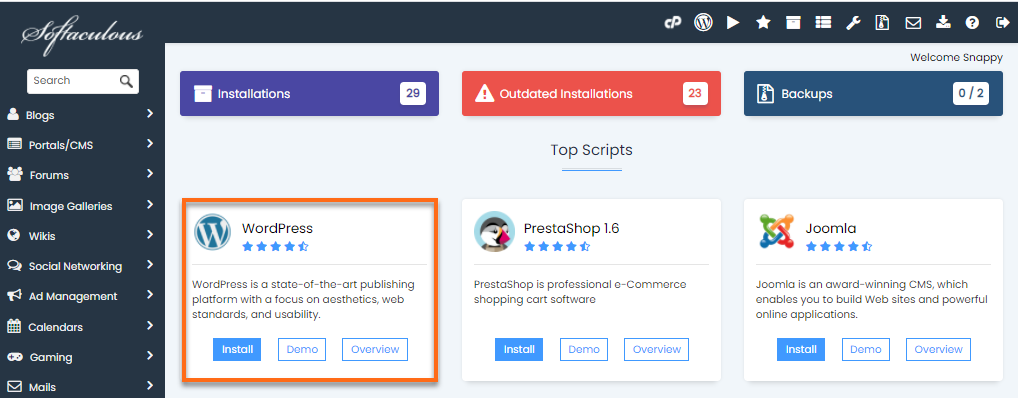
- Select a Script that you like for your site. (In this case, WordPress is selected). You can either search for it at the search bar at the left-side panel or click over to the Script’s widget.
- Fill out the installation details.
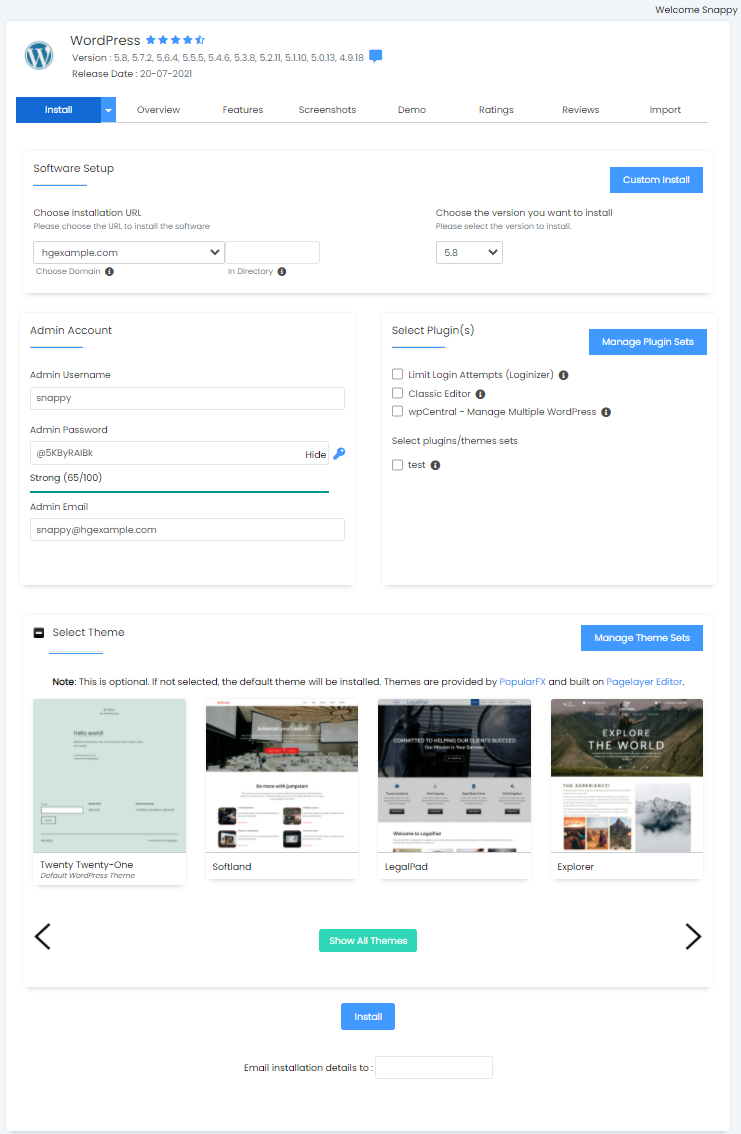
- Expand the Select Theme section.
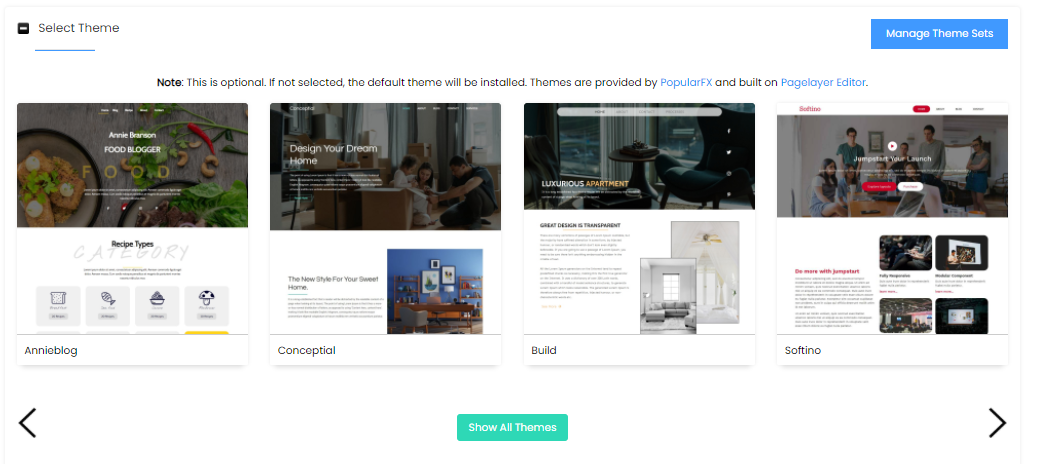
- Choose from a wide variety of themes and view its demo.
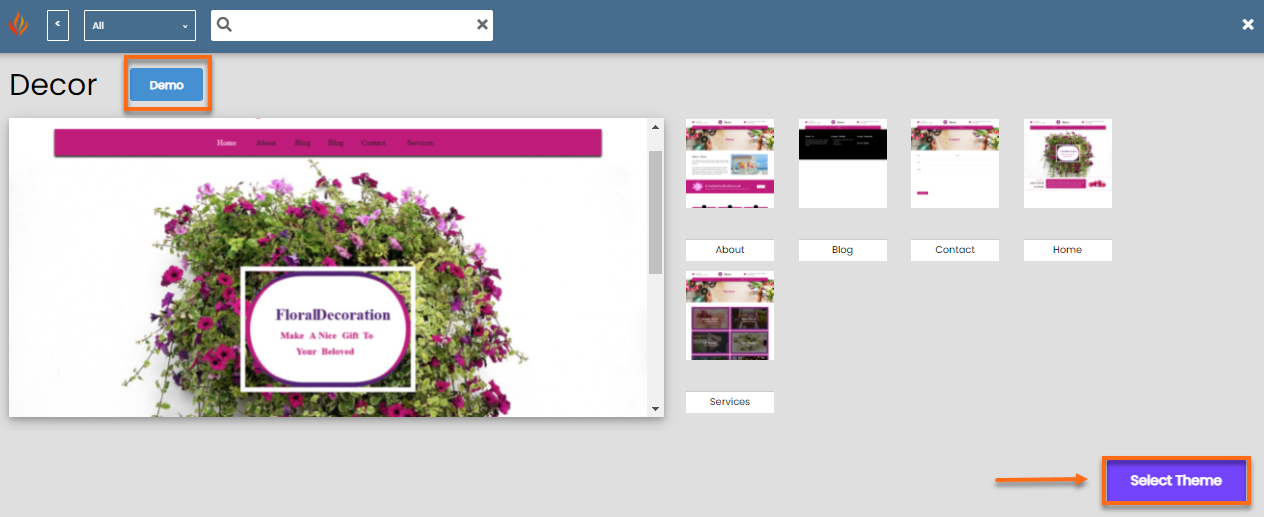
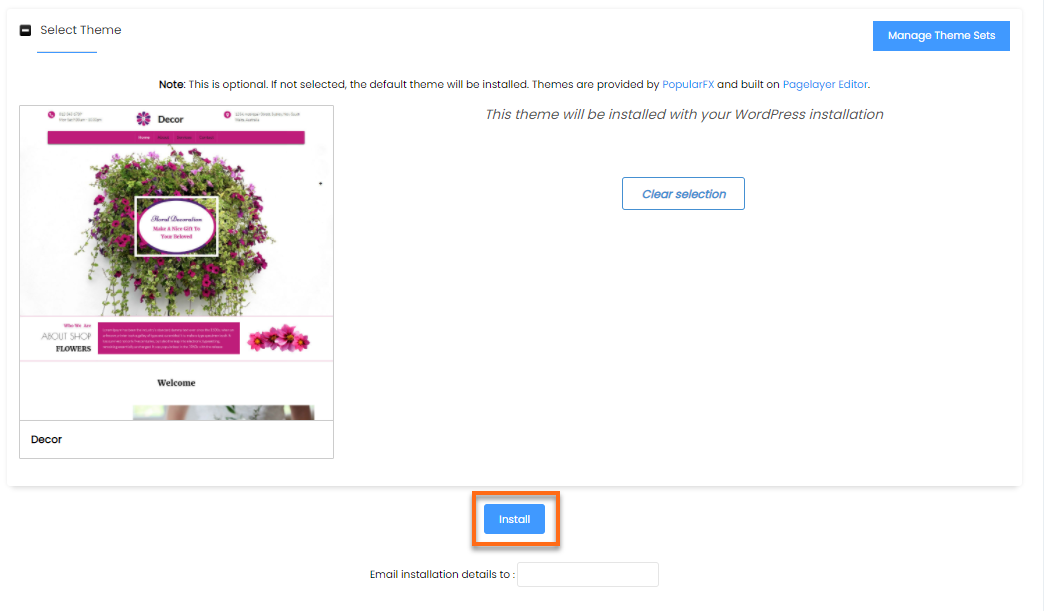
- After selecting a Theme, click on the Install button at the bottom of the page.

Knowledge Base
Click to Copy