- Log in to cPanel.
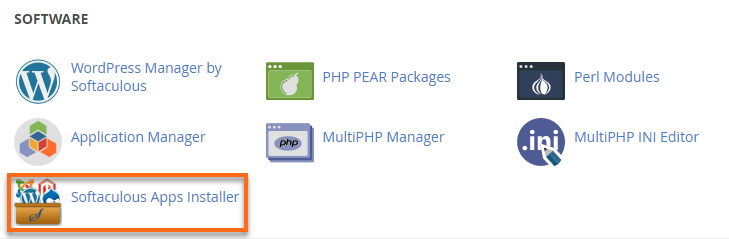
- Look for the Software section, then click on Softaculous Apps Installer.
- Choose your preferred script for your website.
There are two ways to choose a script:
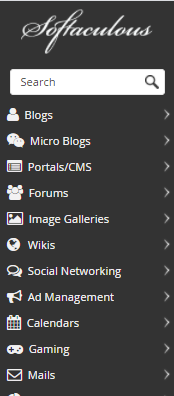
Option 1: Search for the script from the categories on the left-hand menu. Click the type of website you wish to create, then select the script from the expanded list.
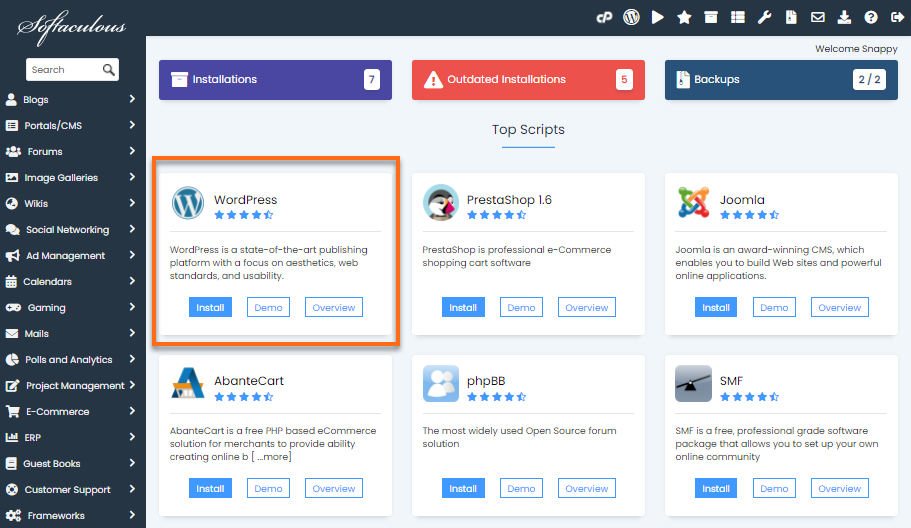
Option 2: Locate the script widget on the dashboard. For this example, we will use WordPress.
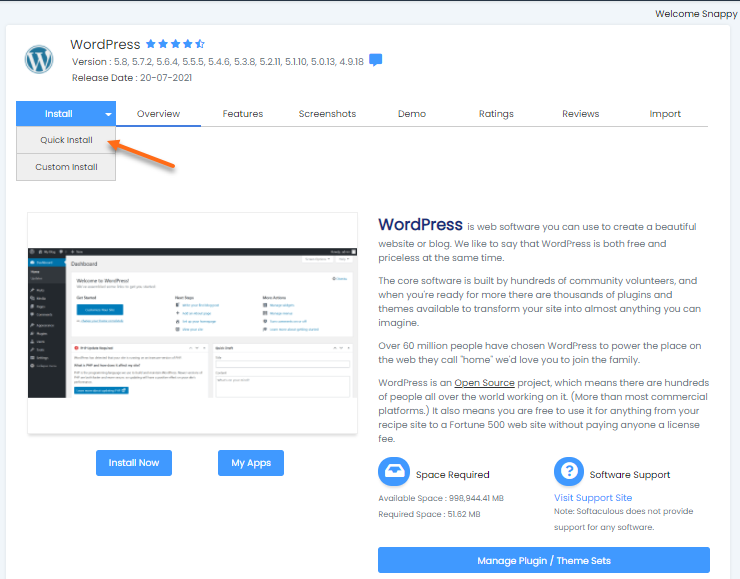
- To install, click the script widget. On the next page, click the Install tab’s dropdown menu, then select Quick Install.
- Fill out the installation details form.
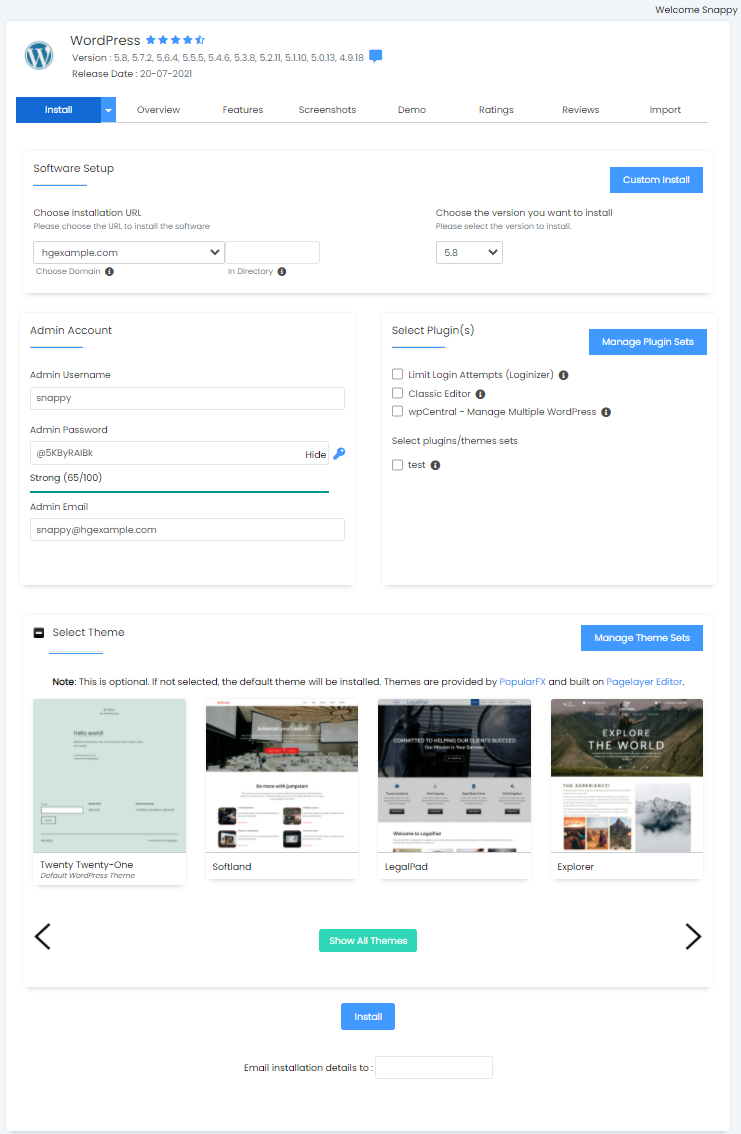
- Once done filling out the form, click the Install button at the bottom of the page.
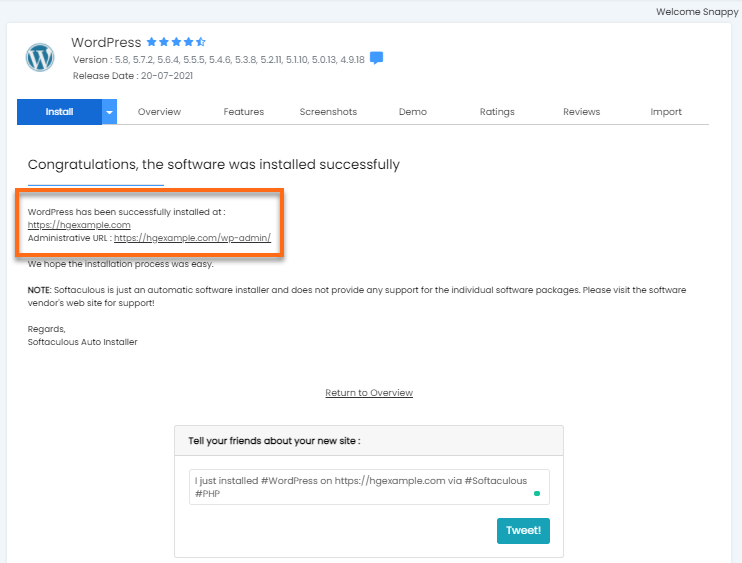
- Softaculous will provide the website and admin links once the installation is completed.

Knowledge Base
Click to Copy