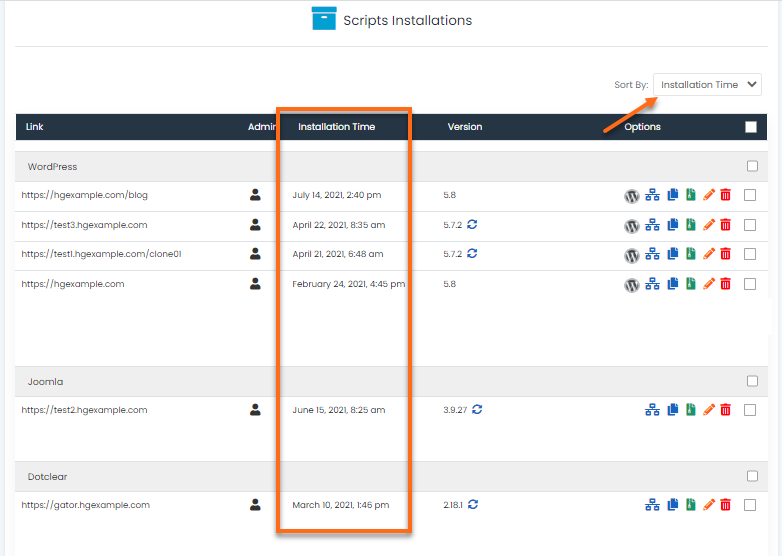
Softaculous allows users to access and sort their installations in three different ways:
- via Script
- via Domains
- via Installation Time
To find all of your installations:
- Log in to cPanel.
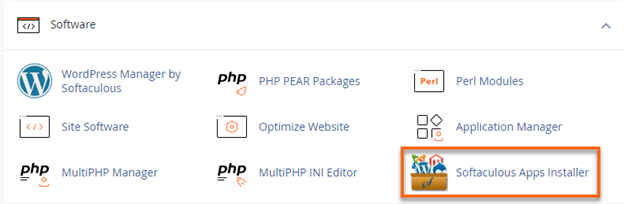
- Look for the Software section, then click on Softaculous Apps Installer.
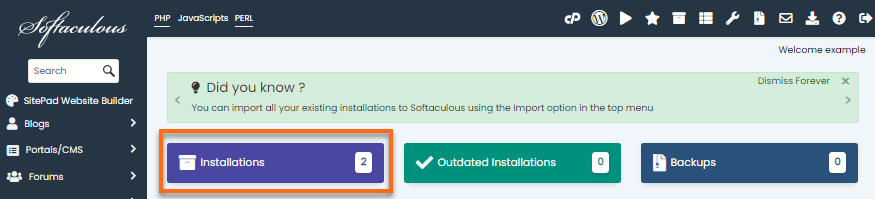
- Click the Installation box located on the dashboard.
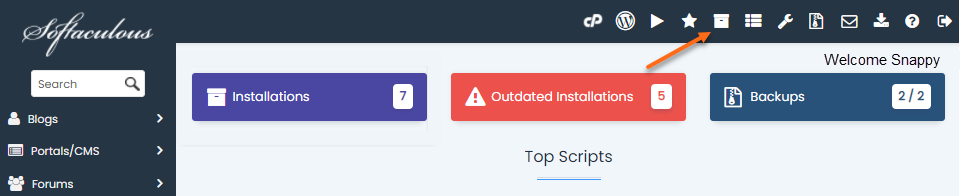
Alternatively, you can click the All Installations icon located in the top-right corner.
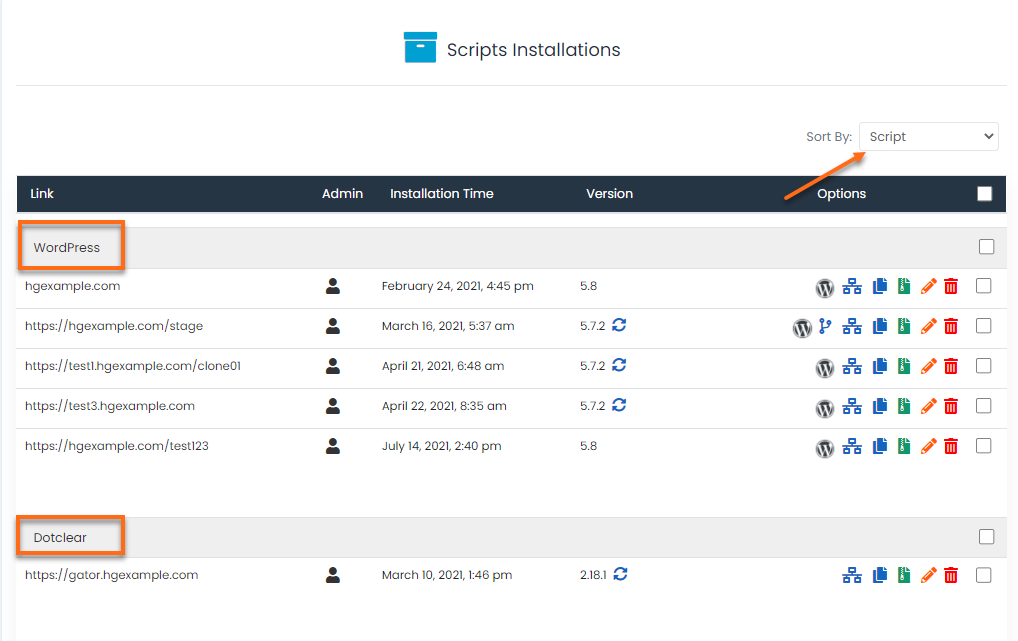
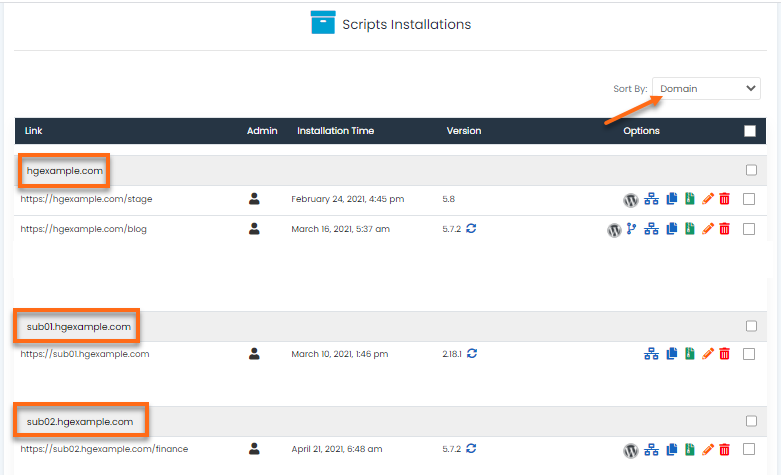
- You will then be redirected to the Script Installations page. You can sort the installation using the Sort by dropdown box located on the right-hand side.

Sort by Script
Installations are sorted by Scripts by default.
Sort by Domain
Installations can be sorted by Domain.
Sort by Installation Time
Installations can be sorted by Installation Time in descending order. The lastly installed script will be displayed on top. Installations are grouped by scripts here.