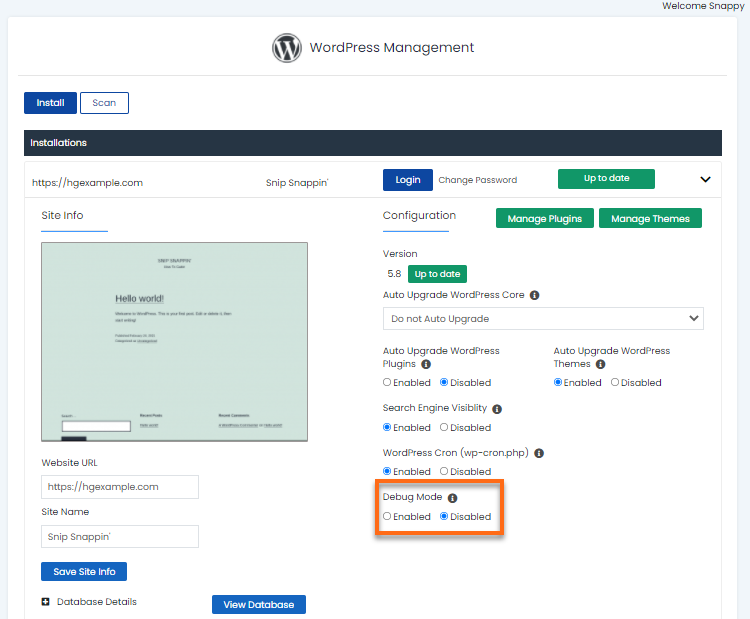
The debug mode, which is disabled by default, is useful if you encounter website issues and want to know what caused them. Simply tap the Enable or Disable radio button.
Note: It isn’t recommended to leave the debug mode Enabled on your production site. While on the production site, Disable the debug mode once you have finished debugging.