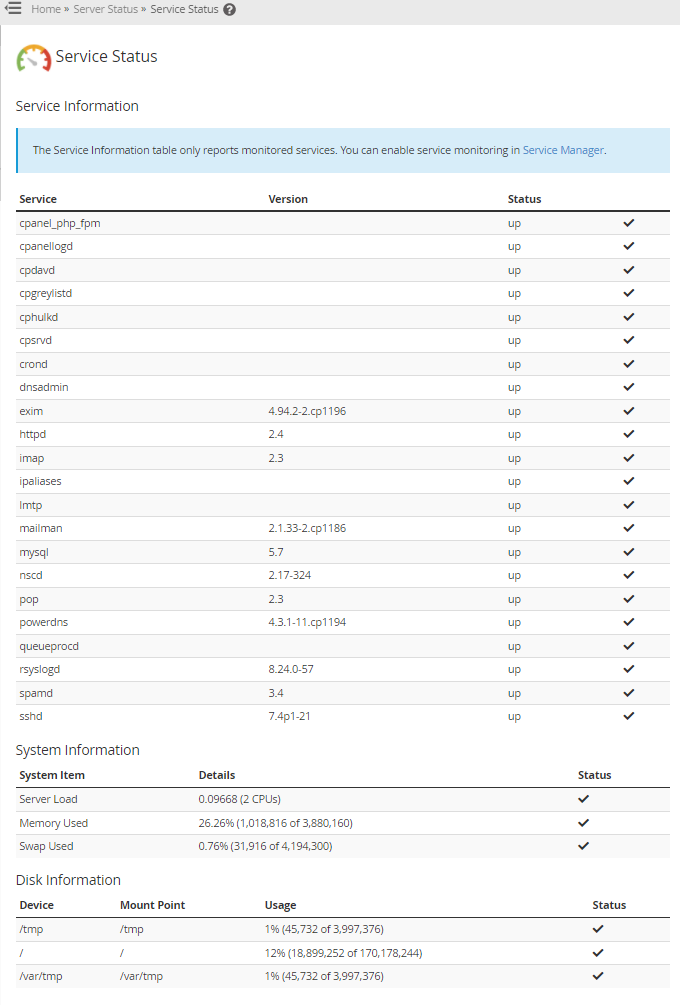
The WHM allows you to check your server’s current status and all services running on your server.
Please note that the Service Status section is only available in WHM.
To check your server’s status:
- Log in to WHM.
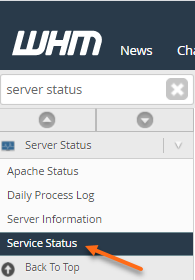
- Using the Search box in the left-hand menu, look for the Server Status section.
- Click Service Status.
- You will be presented with your server information.