
This guide will help you configure your domain to work in conjunction with Google Sites and will provide you with the Google Workspace MX Destinations if you wish to utilize Google as your email host.
Note: Your domain must be utilizing your HostGator nameservers in order for this configuration to take effect across your domain.
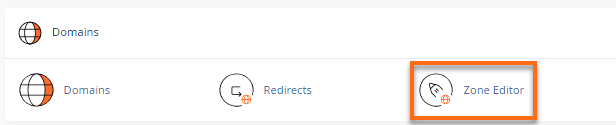
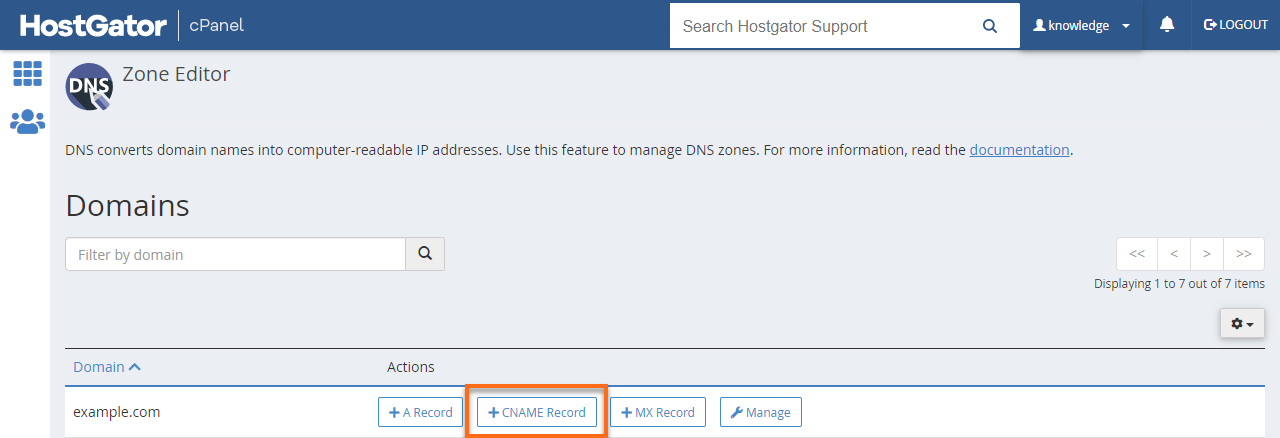
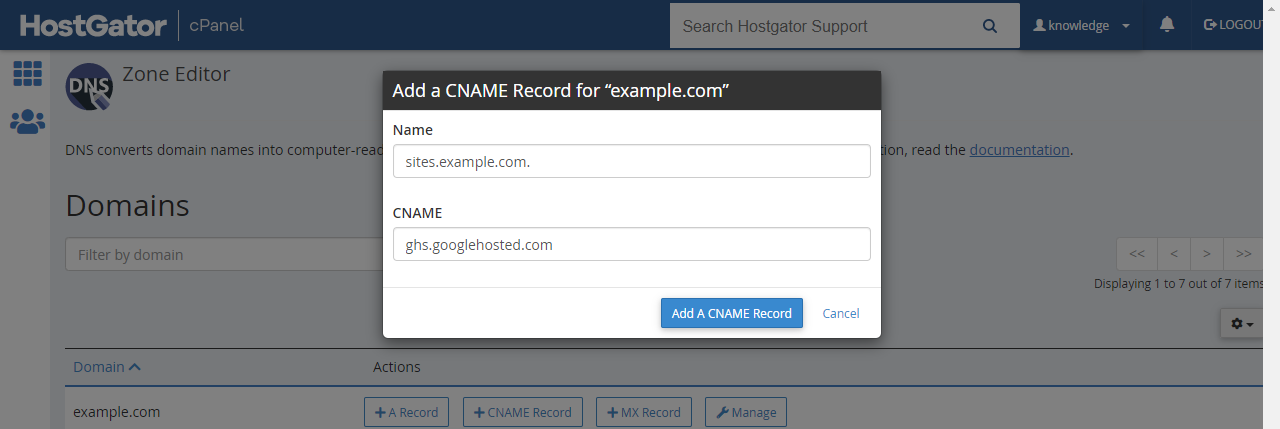
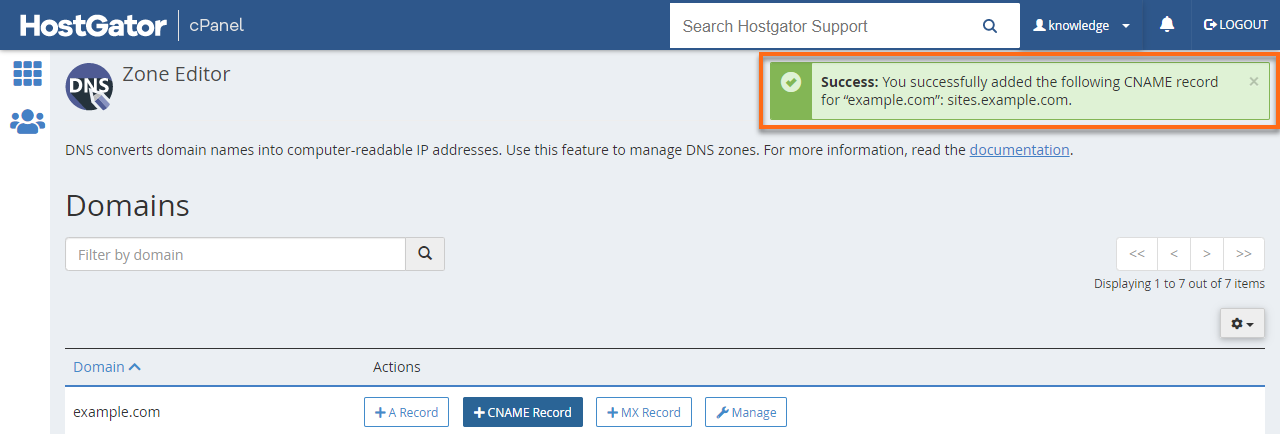
Google has created an easy-to-use free-form content creation tool known as Google Sites to help users share information. Click the link below for instructions on how-to configure this service.
Configure Your Domain with Google Sites
HostGator now offers an easy-to-use What is Google Workspace (Formerly G Suite)? located in the cPanel on Shared hosting plans.
If you do not wish to utilize this plugin, or if you’re simply looking to verify the MX Records used by Google Workspace, please toggle the below link.
Google Workspace MX Records