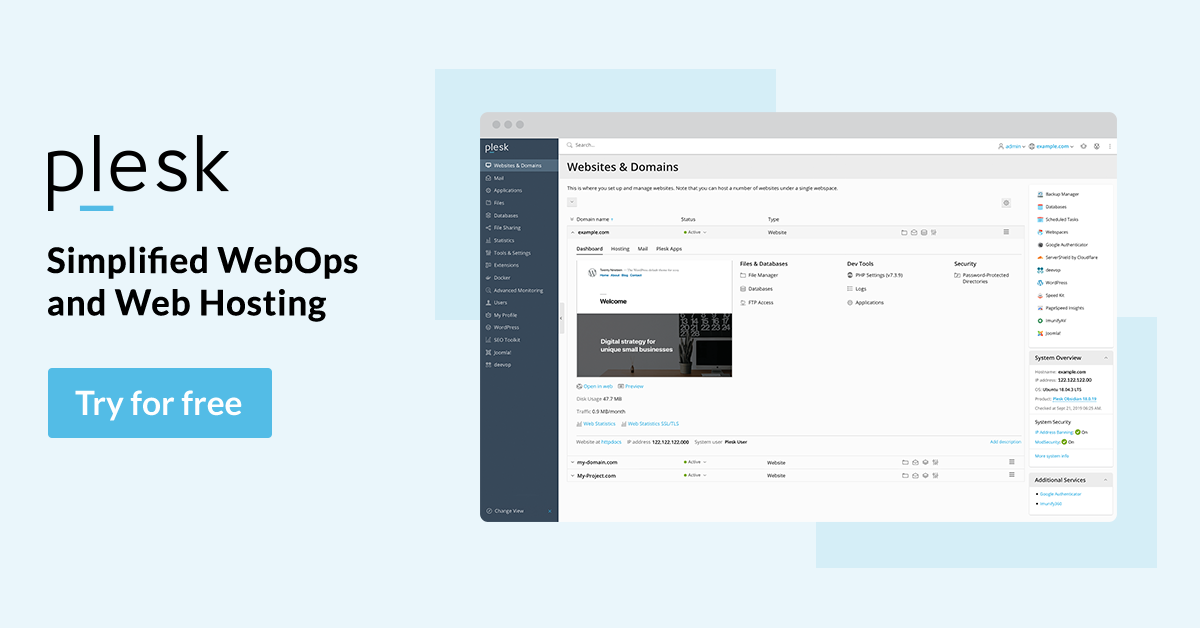
Plesk is an innovative and user-friendly control panel focused on web security. Firewall, DDOS & Malware Protection, SSL. One-Click Install. It’s widely used in the commercial sector.
How to login into the Plesk control panel?
By following the steps below you can easily log in to your Plesk Control panel:-
1) First open your browser, and enter the URL where your Plesk control panel is located for example https://your.domain.com:8443.
2) Now press ENTER. Once you press Enter you will see the Plesk control panel Login screen.
3) Insert the login username and password given by your hosting provider.
4) If you are logging in to the Plesk control panel for the first time, then you will need to select the language for your control panel from the Interface language drop-down box and If you had previously specified the interface language and saved it in your interface preferences, leave the User default value selected.
5) Click Login.